 Gleez
Gleez
Hey privacy enthusiasts and multi-account jugglers! 👋 If you’ve ever struggled with keeping your work logins separate from your personal ones — or worried about cross-site tracking leaking between tabs — Brave just dropped something exciting.
It all started with a tweet from Brave Nightly announcing experimental Containers: one profile, multiple isolated identities. No more juggling full browser windows or relying solely on multiple profiles.
In this post, we’ll dive deep into what Brave Containers are, how they compare to established players like Firefox Multi-Account Containers and Chrome Profiles, their memory impact, mobile availability, and why this could be a game-changer for Chromium-based browsing. Let’s break it down! 🔍
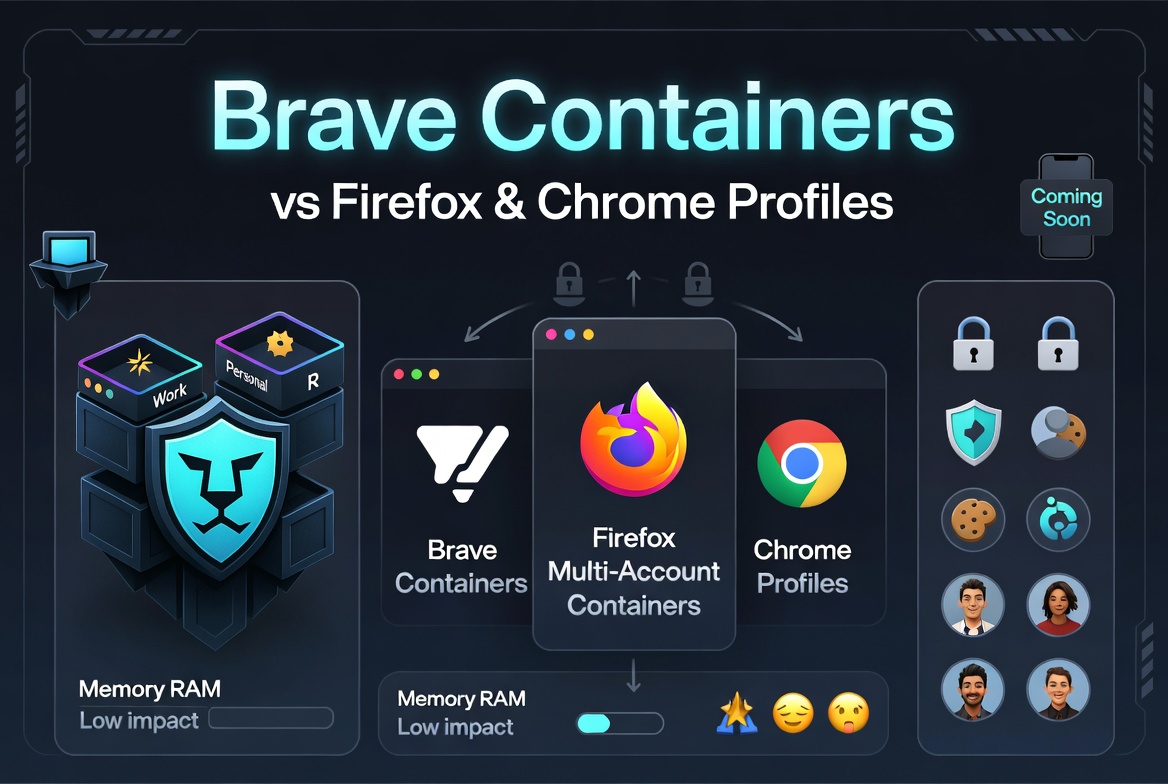
What Are Brave Containers? 🛡️
Brave’s Containers (enabled experimentally via brave://flags in Brave Nightly as of early 2026) let you isolate cookies, site data, sessions, and logins for different “identities” or contexts — all inside a single browser profile.
Think of it as compartmentalization without the hassle of switching entire browser instances. You can have a “Work” container for professional accounts and a “Personal” one for everything else, mixing tabs freely in the same window with visual indicators (like colors).
This is Brave’s native answer to a long-requested feature, inspired heavily by Firefox. It’s still experimental (some users report it’s a work-in-progress with placeholder elements), but the potential is huge for reducing tracking while keeping things convenient.
Key Benefits:
- Stronger session isolation to fight cross-context tracking
- Less reliance on multiple full profiles
- Complements Brave’s built-in Shields (ad/tracker blocking + fingerprinting resistance)
Memory Impact of Brave Containers 📊
One of the biggest questions: Will this eat up your RAM?
Short answer: The overhead is expected to be low to moderate — much lighter than running multiple full profiles.
- Containers focus on storage partitioning (cookies, localStorage, etc.) rather than spawning entirely new processes for each container.
- Brave already excels at memory efficiency thanks to aggressive ad/tracker blocking and features like Memory Saver mode (which discards inactive tabs).
- Compared to baseline Chromium, the added bookkeeping is minimal. High tab counts across containers will still increase usage, but not dramatically.
Pro Tip: Enable Memory Saver in Settings > System to keep things snappy, especially on lower-RAM devices. Early feedback hasn’t flagged massive spikes — it’s more about privacy wins than performance hits.
Containers on Mobile Devices? 📱
Unfortunately, not yet available on Android or iOS.
- Desktop-first: The feature is rolling out experimentally on desktop Nightly. Mobile faces architectural challenges (tighter sandboxes, process limits, and iOS WebKit restrictions).
- Current Workarounds: Use Brave’s Private tabs, separate browser apps, or multiple profiles where supported (better on Android than iOS).
- Outlook: Brave is actively developing compartmentalization features (including Workspaces), but full mobile Containers aren’t confirmed. Firefox on Android has an edge here with its Multi-Account Containers extension.
If mobile isolation is your priority, you might still lean on separate apps or wait for future updates.
Brave Containers vs. Firefox Multi-Account Containers 🔥
Firefox has long been the king of containers with its mature Multi-Account Containers (color-coded, deeply integrated, with auto-assignment rules and extension support like Temporary Containers).
Quick Comparison:
- Isolation Style: Both isolate cookies/sessions/logins. Firefox feels more polished with seamless tab mixing and visual cues.
- Maturity: Firefox wins — it’s stable and battle-tested. Brave’s version is newer and still evolving.
- Privacy Synergy: Firefox pairs well with Enhanced Tracking Protection. Brave adds its superior out-of-the-box ad/tracker blocking.
- Memory: Firefox can feel heavier with many tabs; Brave often uses less RAM baseline.
- Mobile: Firefox has better support on Android.
Verdict: If you love Firefox’s container UX and Gecko engine, stick around. Brave Containers could lure you over once mature, especially if you value speed and built-in Shields.
Many users run both browsers for different needs!
Brave Containers vs. Chrome Profiles 👥
Chrome Profiles (native to Chromium, including Brave) are like running separate browsers inside one app:
- Full isolation: cookies, history, bookmarks, extensions, settings — everything.
- Great for major separations (e.g., Work vs. Personal with different extension sets).
- Downside: Usually requires separate windows; switching feels heavier.
Head-to-Head:
- Scope: Profiles = broad, heavy isolation. Containers = lighter, flexible session isolation within one profile.
- Convenience: Containers allow mixing tabs in one window (Firefox-style). Profiles keep things more separated.
- Memory: Profiles have higher overhead (multiple process sets). Containers are lighter.
- Mobile: Chrome/Brave profiles work decently on Android; Containers do not (yet).
- Brave Twist: You can combine both! Use profiles for big divides + Containers for daily multi-account juggling.
Best of Both Worlds: Brave users can leverage native profiles today and layer experimental Containers for finer control — bridging the gap that plain Chromium lacked.
Why This Matters for Privacy-Focused Users 🕵️♂️
In a world of constant tracking, compartmentalization is key. Brave Containers reduce the need for clunky workarounds while keeping Brave’s strengths:
- Blazing speed
- Lower resource usage
- Aggressive privacy defaults
Whether you’re a social media manager handling multiple accounts, a freelancer separating clients, or just someone tired of cookie bleed — this feature addresses real pain points.
Note: As it’s experimental in Nightly, test carefully. Feedback from the community is helping shape it (auto-open rules, pinning, etc., are hot topics).
Final Thoughts: The Future of Browser Compartmentalization ✨
Brave’s move into native Containers is exciting — it brings Firefox-like flexibility to the Chromium world without sacrificing performance. It’s not fully replacing profiles or Firefox containers yet, but it’s a strong step toward smarter, more private browsing.
Recommendations:
- Try it in Brave Nightly (enable the flag and experiment).
- Use full profiles for deep separation.
- Combine with Memory Saver and Brave Shields for best results.
- Watch for mobile progress and official rollout.
What do you think? Are you switching to Brave Containers, sticking with Firefox, or mixing profiles? Drop your workflow in the comments! 👇
Stay private, stay efficient.
— Your friendly browser comparison guide
Gleez specializes in secure, sustainable tech solutions, and custom app development. Contact us for consulting, implementation, and managed services to help you integrate privacy‑centric features like Brave Containers into your products. 🚀