 Gleez
Gleez
End-to-end encryption (E2EE) in your favorite messaging or banking app is not compromised.
The latest advanced malware doesn’t crack the encryption at all.
Instead, it waits until your device decrypts the message… and then quietly reads everything off your screen.
This isn’t a failure of E2EE — it’s proof that E2EE has won the cryptographic arms race.
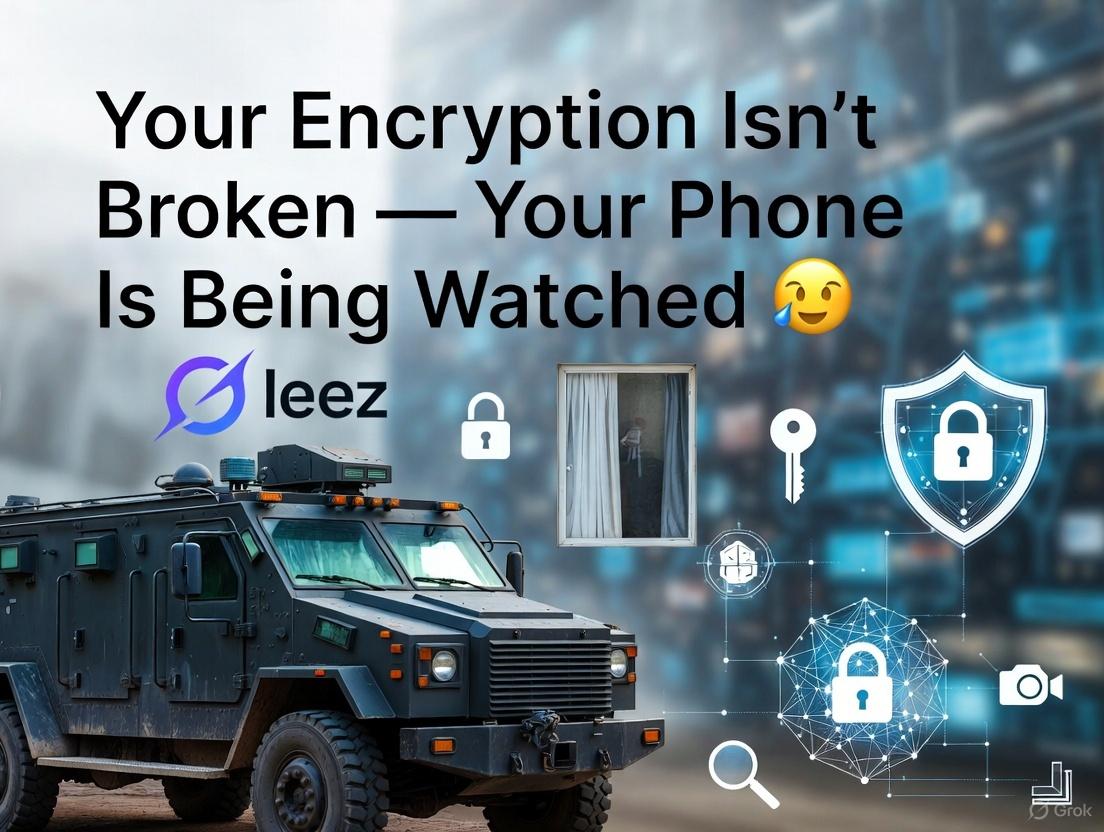
The Mental Model: Armored Truck vs. Peeking Through the Window 🚛🔭
Think of E2EE like an armored truck delivering cash:
- Old-school attackers tried to blow up the truck on the highway (break the encryption in transit).
- Modern attackers wait until you park the truck in your garage, open the door, and count the money — then they just watch over your shoulder through the window.
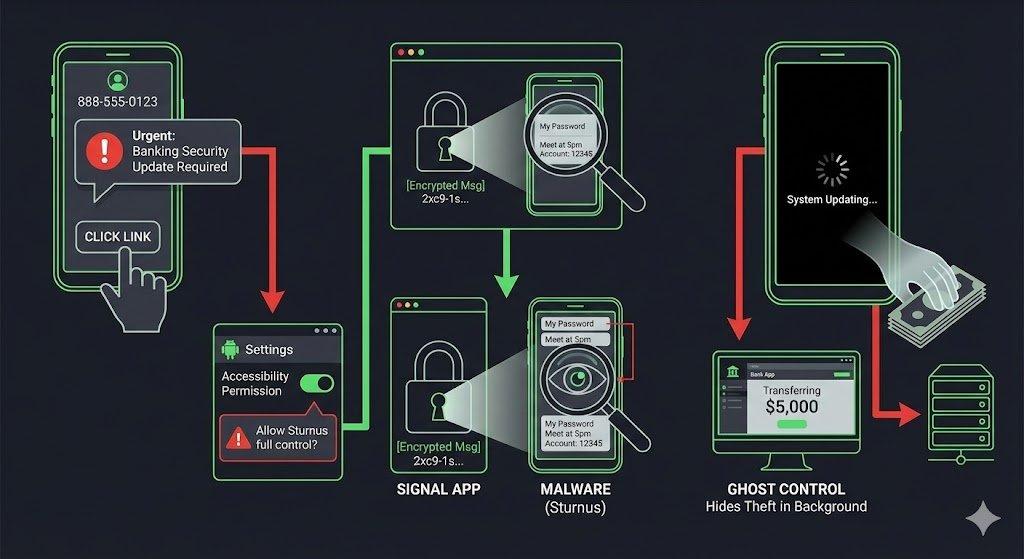
The latest banking trojan (currently called “Sturnus” in reports) does exactly that.
How It Actually Works (No Encryption Broken) 🔍
These new threats abuse legitimate Android features, especially Accessibility Services, to:
- Read the entire UI tree in real time — every piece of text that appears on your screen after decryption.
- Capture every keystroke and text change via events like
TYPE_VIEW_TEXT_CHANGED. - Stream your screen remotely (VNC-style) while showing you a fake “system update” or black overlay so you don’t notice someone else is controlling your phone in the background.
Zero lines of encryption code touched. 100% access to your secrets.
Are You Safe Right Now? 🛡️
For the vast majority of people — yes, you’re still safe if you follow basic habits:
- You only install apps from official stores (Google Play, F-Droid, Aurora Store, etc.)
- You never click SMS/email links that say “install this security update” or “new banking certificate”
- You don’t blindly grant Accessibility permissions to random apps
Current campaigns are geographically limited (mostly Southern/Central Europe) and still in testing/experimental phases.
But the technique itself is universal and will spread.
Your 5-Minute Action Plan ⏱️
Encryption protects the tunnel. You have to protect the endpoint.
1. The “Kill Switch” Audit (Do this RIGHT NOW) ⚡
Settings → Accessibility → Installed services (or “Downloaded apps” on older Android)
→ If anything looks suspicious or unfamiliar → Turn it off immediately
Most of these attacks die the second you revoke Accessibility access.
2. Stop Sideloading from Sketchy Links 🚫
Any message saying “Your bank requires a new security app — click here” is almost certainly the attack.
Call your bank directly if you’re ever unsure.
3. Extra Armor for High-Risk Users 🛑
- On iOS: Enable Lockdown Mode
- On Android: Enroll in Google Advanced Protection Program
- Consider a secondary device for banking/high-value apps
The Big (and Actually Positive) Takeaway 🌟
When attackers completely give up on breaking encryption and switch to spying on your unlocked screen instead — that means E2EE has won.
The battle has simply moved from the network to your pocket.
True digital sovereignty starts with one question:
What code are you allowing to run on your personal device?
Go check your Accessibility settings right now. It takes 30 seconds and could save everything.
Stay safe out there 🫡
Need help securing your device? Contact Gleez for security audits, custom Android hardening, employee training, and managed protection services.